How to add additional languages to your campaign website
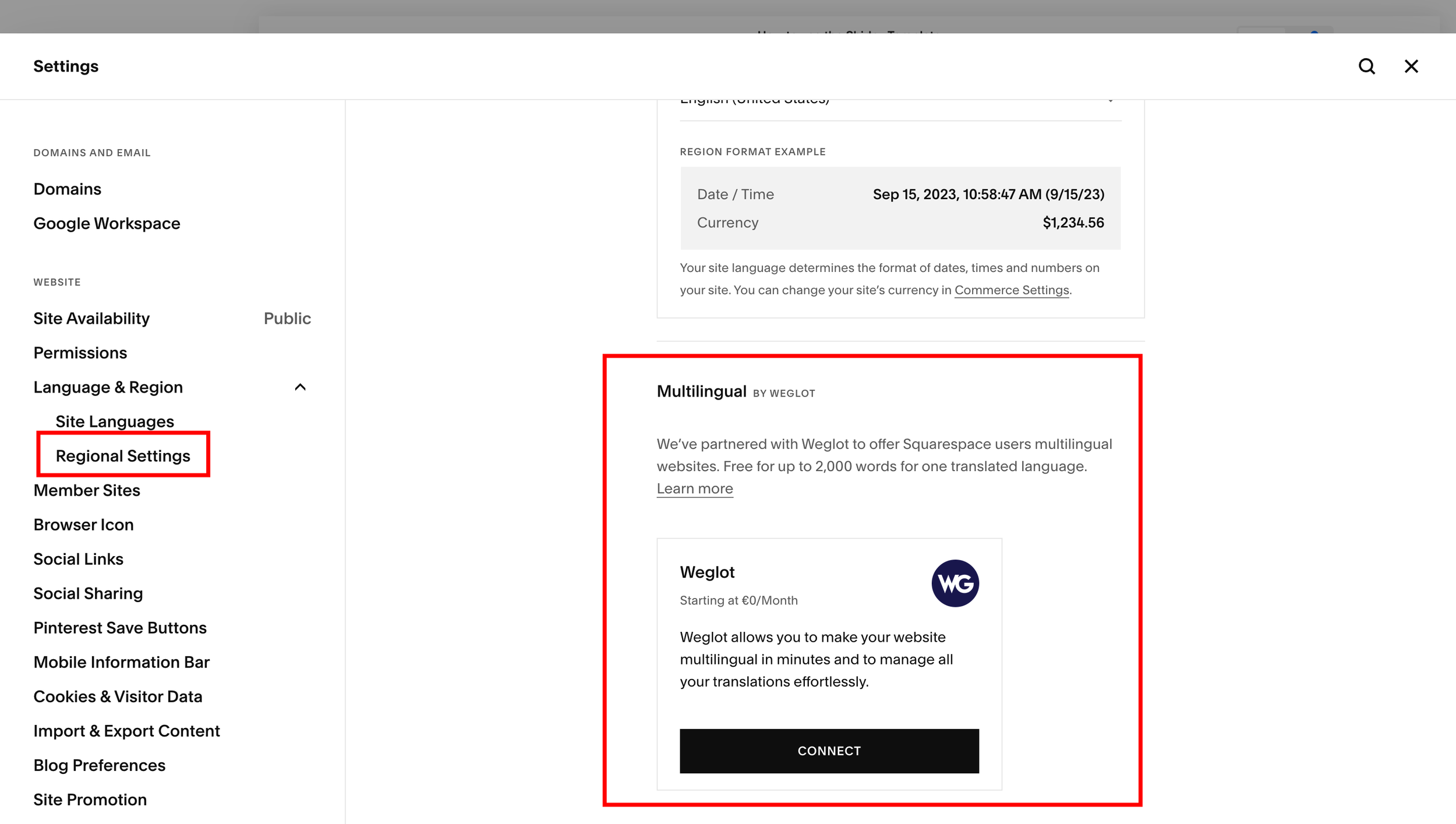
With Squarespace’s Weglot integration, you can generate translated versions of your website in several different languages. Visitors navigate between the different translations through a drop-down menu that displays in your site’s header.
Weglot translates up to 2,000 words into another language on your site for free, and has affordable pricing plans for translating more content into more languages.
To learn about pricing and features for Weglot's paid plans, visit their pricing page.
To connect to Weglot:
Open the Language & Region panel.
In Site languages, under Multilingual by Weglot, click Connect.
Click Allow.
Create a Weglot account.
Set your original language from the Original languages drop-down menu.
Select the language you want your site translated into from the Destination languages drop-down menu.
Click Save. A language switcher now displays in your site's header.
After saving, open your site in an incognito window, change languages in the language switcher, and navigate through your pages. This populates your translations on your site and ensures you can edit them on Weglot.